Blog - Passwordless sign-in for DontSendMeACard, powered by Web-Engine Sentry
DontSendMeACard.com now signs people in with one field and an emailed code. Here's how we used Web-Engine Sentry to replace a bypassed reCAPTCHA and make sign-in faster and safer.
- Published
- Author
- by Admin
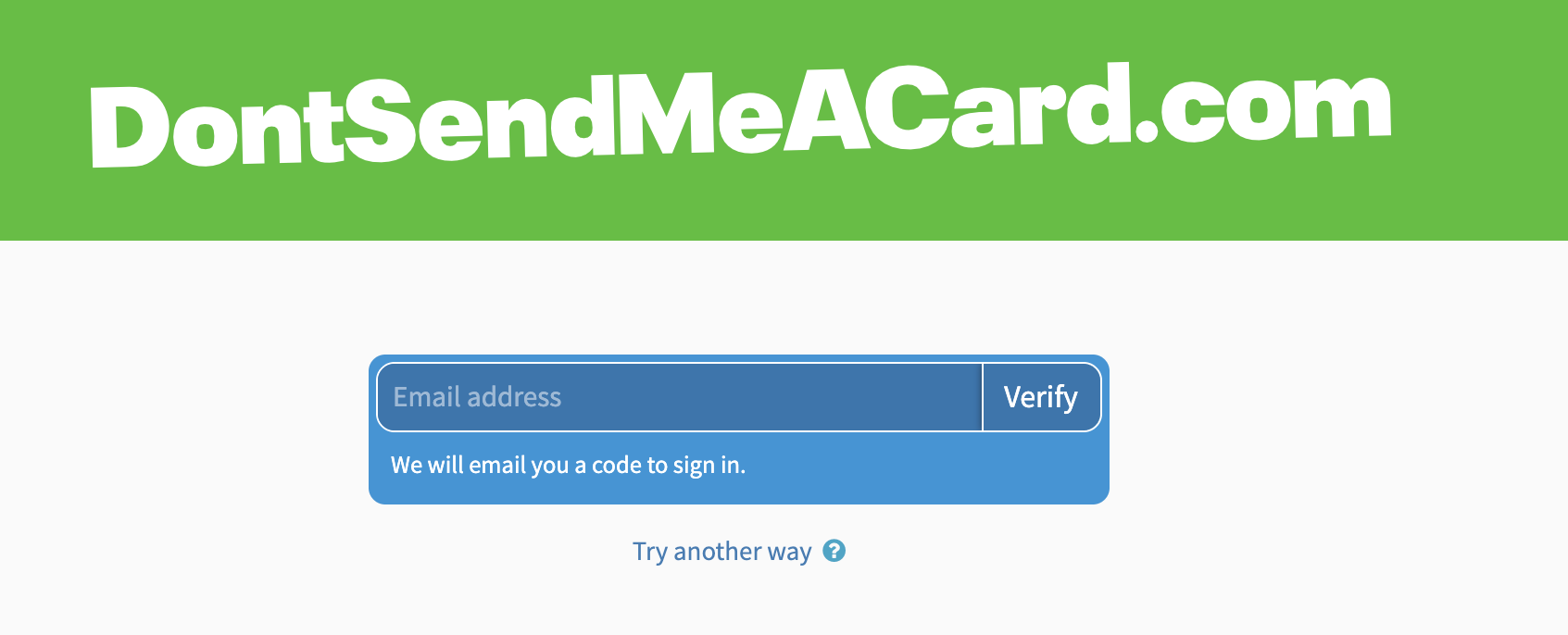
Signing in to DontSendMeACard.com now takes one field. You type your email address, a code lands in your inbox, you enter it, and you're in. There's no password to remember and no traffic lights to click. Behind that simple screen is a change we've wanted to make for a while: using Web-Engine Sentry, our own bot-protection service, to stop spam and make sign-in faster for real people.
A bit of background
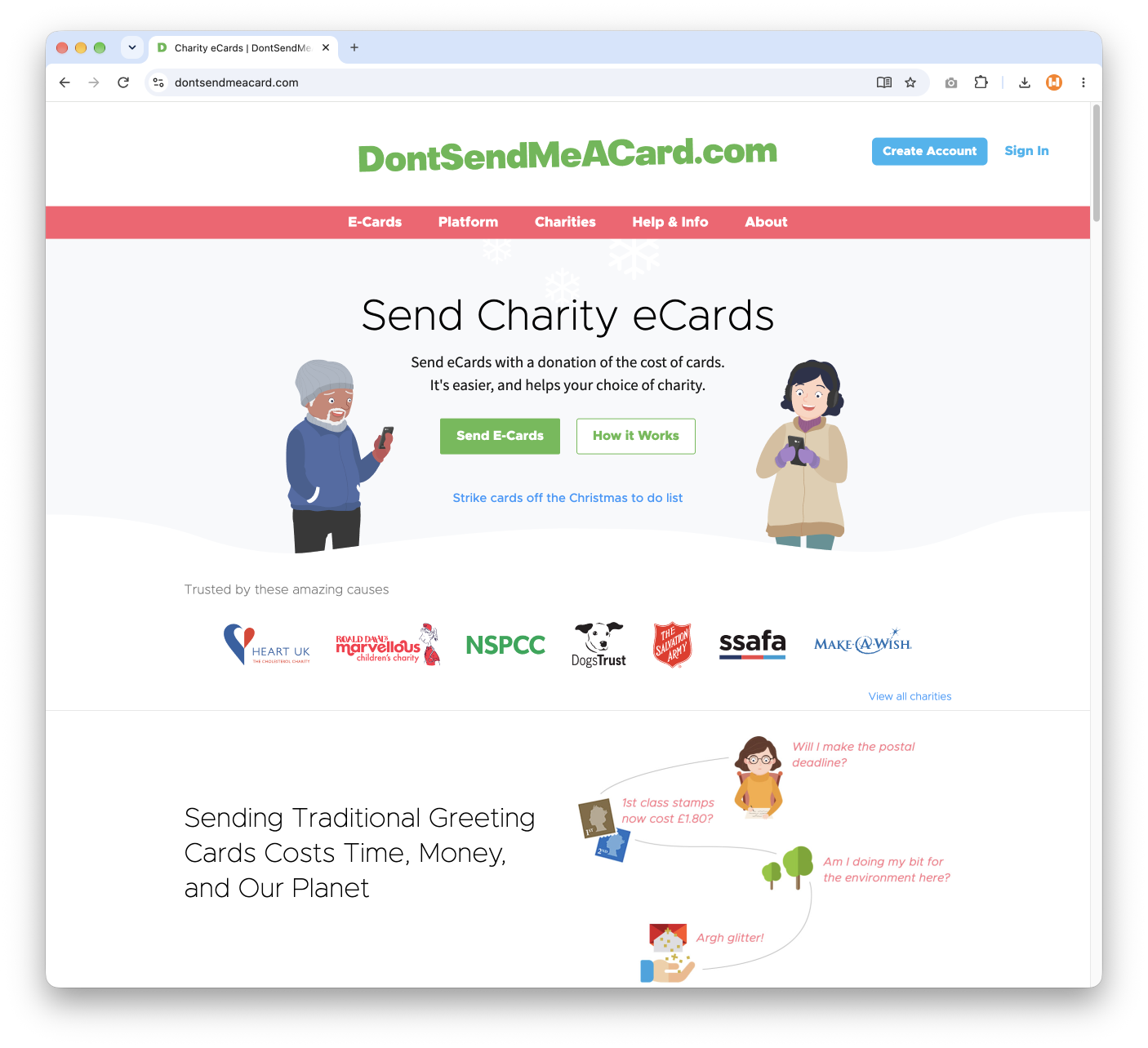
DontSendMeACard.com describes itself as "the online alternative to greeting cards". People send e-cards, often designed by charities, and donate what they would have spent on paper cards and postage. We've supported the platform for years. Like any site with public sign-up forms, it attracts bots.
When the captcha wasn't the problem, and wasn't the answer
A few years ago the site's sign-up form started filling with junk accounts, even though Google reCAPTCHA v2 was in place. When we audited the history recently, the numbers were stark. Between September 2023 and August 2024, with reCAPTCHA v2 on the form, sign-ups matching our spam pattern ran at roughly 200 to nearly 1,000 a month.
The uncomfortable finding was that the server was checking reCAPTCHA correctly. The bots were simply arriving with tokens that passed. That's an important lesson. A captcha integration can be implemented perfectly and still fail, because the challenge itself is no longer a reliable test of whether a visitor is human.
A stop-gap was added in 2024 and the spam dropped sharply. But that check was never designed to prove a visitor was a person, and charities told us it wasn't the friendliest way to register. It needed replacing with something built for the job.
Step one: Sentry on every front door
We started by switching the site's three public entry points to Sentry: charity sign-up, donor account set-up and sign-in. One setting controls all three.
A few design choices matter here:
- Server-to-server confirmation. The browser widget's result isn't trusted on its own. The site's server confirms each result directly with Sentry before it creates an account or signs anyone in. A missing, forged or reused result is refused.
- Choice of challenge. Visitors aren't forced into one kind of test. For example, they can solve a visual puzzle or verify with an emailed code. Email verification needs no puzzle and doesn't depend on being able to see one, which makes it a more accessible route for many people.
- Resilience. The widget loads from a backup CDN if the primary one is unavailable, and confirmation falls back to a second API host. We've written about how we built failover into Sentry before, so we won't repeat it here.
Before release we tested the obvious attacks locally: posting with no result, a forged result, a result replayed a second time and a result that claims to come from the wrong host. Each one was refused.
Step two: turning the human check into the sign-in
Once Sentry was verifying email addresses on the sign-in page, a question followed naturally. If we've already proved someone controls an inbox, why also ask for a password?
So the next day we flipped the sign-in page around:
- Enter your email. That's the only field.
- Sentry emails you a one-time code.
- Enter the code. The form submits as soon as Sentry accepts it. There's no extra "Sign in" button to hunt for.
You're signed in to the account whose address Sentry verified. The address typed into the page is never trusted on its own. If someone verifies one address and then tries to submit another, the sign-in is refused. Other safeguards follow:
- Codes are single-use and time-limited. A code is accepted for 15 minutes.
- Every sign-in starts a fresh session, whichever route you used.
- Matching is exact, so addresses that only look similar can't be swapped in.
Passwords haven't disappeared. A small "Try another way" link under the form leads to the familiar email-and-password sign-in and password reset, for anyone who prefers them. The new sign-in also sits behind a configuration switch, so it can be turned off without a deploy if it ever needs to be.
Here's the shape of the server-side check, as illustrative pseudo-code only. It isn't Sentry's API:
// Illustrative only: sign in as the address that was verified,
// never the address the form claims.
$receipt = confirmWithVerificationService($request->token); // server to server
if (!$receipt || $receipt->used || $receipt->isExpired()) {
    refuse();
}
$user = findOpenAccountByExactEmail($receipt->verifiedEmail);
if (!$user) {
    offerRegistrationOrTryAnotherWay();
}
startFreshSession($user);
The key line is the lookup. The account comes from what was verified, not from what was typed.
Codes that look like they belong
A one-time code is only reassuring if people trust the email it arrives in. A message from an unfamiliar sender with someone else's branding looks a lot like phishing.
DontSendMeACard is the first site to use a new Sentry option for its own mail settings and branding. The code emails now arrive under the DontSendMeACard name, with its logo and its own wording, and that can be updated from our cloud platform in moments, without touching the site's code. The DSMAC team are already refining the copy, including a clear reminder that staff will never ask you for your code.
What it adds up to
For visitors, sign-in is now one field and one code. For the site, every way in passes through a check that's confirmed on the server rather than trusted from the browser. And because email verification needs no puzzle, that check is easier for more people to complete.
We'll be honest about one thing: it's early. The change has only just gone live, and we'll review the sign-up spam figures over the coming weeks. Moving from reCAPTCHA to Sentry was a deliberate choice, made because the data showed reCAPTCHA wasn't stopping these bots. We'll share how it holds up.
Want the same for your site?
Web-Engine Sentry is WordPress-first, but it ships with an API and examples, which is exactly how we integrated it into DontSendMeACard's custom PHP platform. If spam is getting through your forms, or your sign-in is more effort than it needs to be, get in touch. We're happy to talk through what would work for you.
Comments
Loading comments…